Saveform: save any web image as PNG, JPG, WebP or PDF
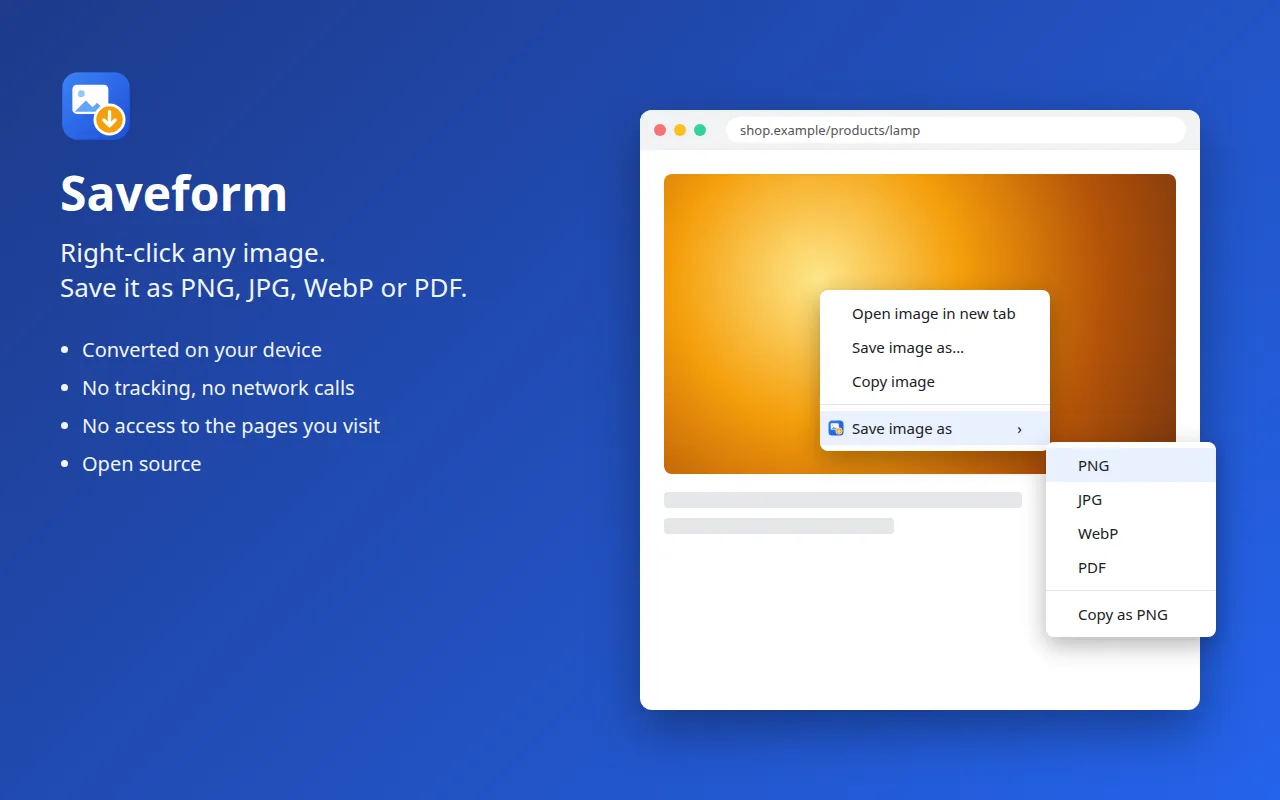
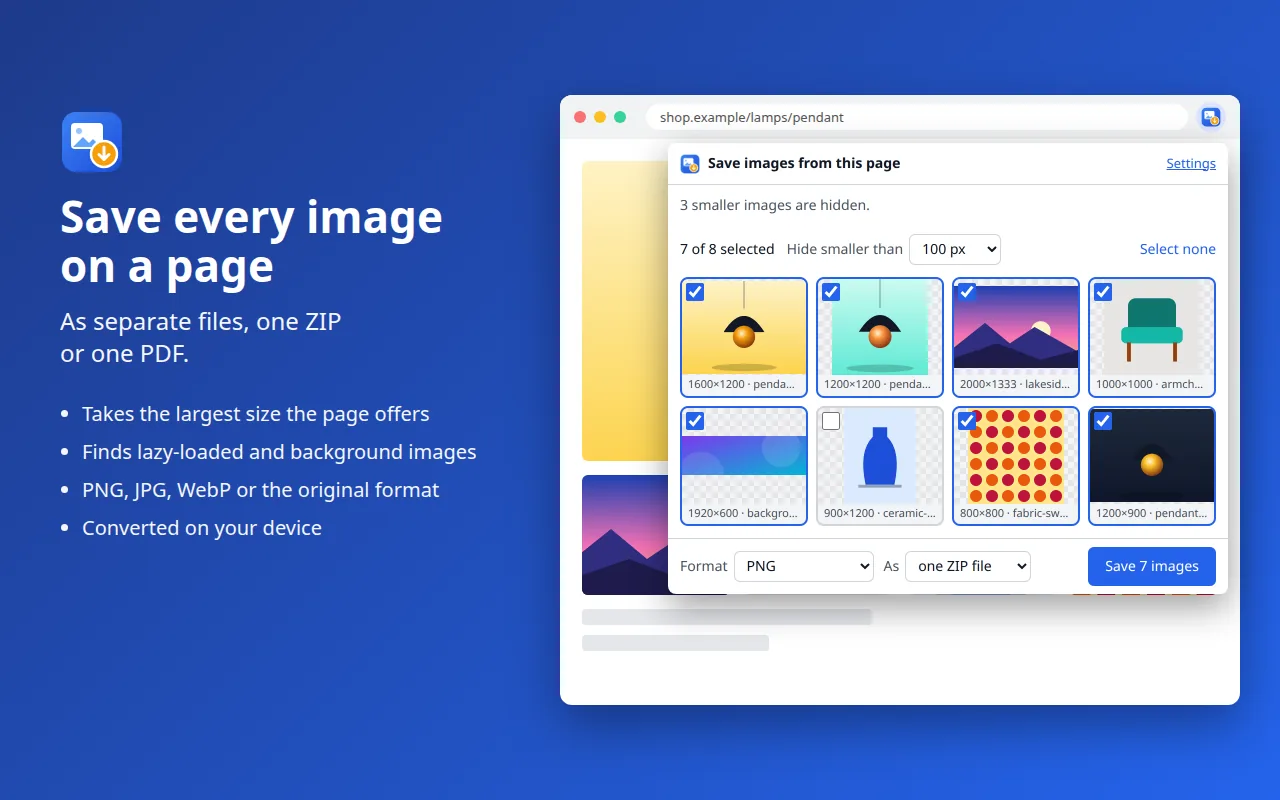
Right-click an image, pick a format, and it is saved in that format. Or click the toolbar button to save every image on the page at once. The conversion happens on your computer, with the same code that powers the converter on this site.
From the Chrome Web Store; also installs in Edge, Brave and other Chromium browsers. The Firefox version is in Mozilla’s review queue and will be linked here when it is live.
What it does
- Adds a Saveform entry to the right-click menu on images, with Save as PNG, Save as JPG, Save as WebP and Save as PDF (and AVIF where the browser can create it), plus Copy as PNG.
- Its toolbar button (shortcut Alt+Shift+S) shows every image on the page in a grid. Untick what you don’t want, hide small icons, and save the rest as separate files, one ZIP or one PDF, converted to PNG, JPG or WebP or kept in their original format. It picks the largest version a page offers and finds CSS background images too.
- Converts the image locally and saves it through the browser’s normal downloads, with a sensible file name. In the settings you can build names from the site, date or image size, and pick a folder inside Downloads.
- Works with the formats sites like to serve but many apps refuse, such as WebP and AVIF.
- Collects nothing. No analytics, no accounts, no remote code. Read the privacy policy.
Permissions, in plain words
contextMenus- Adds the Saveform entries to the menu you see when you right-click an image.
downloads- Saves the converted file through the browser’s own download system, so it lands in your usual Downloads folder and shows up in your download list.
activeTab- Gives the extension temporary access to the current tab, only when you choose a Saveform menu entry or click its toolbar button, so it can read the images you want to save.
scripting- Together with the temporary tab access above, lets the extension run its own small piece of code in that tab to list the page’s images (toolbar button), to read an image when it can only be read from inside the page, to copy the result to your clipboard, and to show a short status notice.
storage- Remembers your settings, such as JPG quality, on your device.
offscreen- Opens a hidden extension page used for image decoding that background code cannot do on its own (SVG, for example). It is not a visible window and cannot see your tabs.
- Optional: access to a specific site
- Some image servers refuse to let other sites read their images. Only then does Saveform ask for access to that one site. You can say no, and you can remove the access any time in Saveform’s settings or on
chrome://extensions.
Saveform does not ask for access to all websites up front (the per-site prompt offers it, and you can decline), and it does not read your browsing history.
Open source
All of the code is public at github.com/janwan2003/save-image-format. Every file in the store packages can be checked against it. Bug reports and suggestions are welcome as GitHub issues.